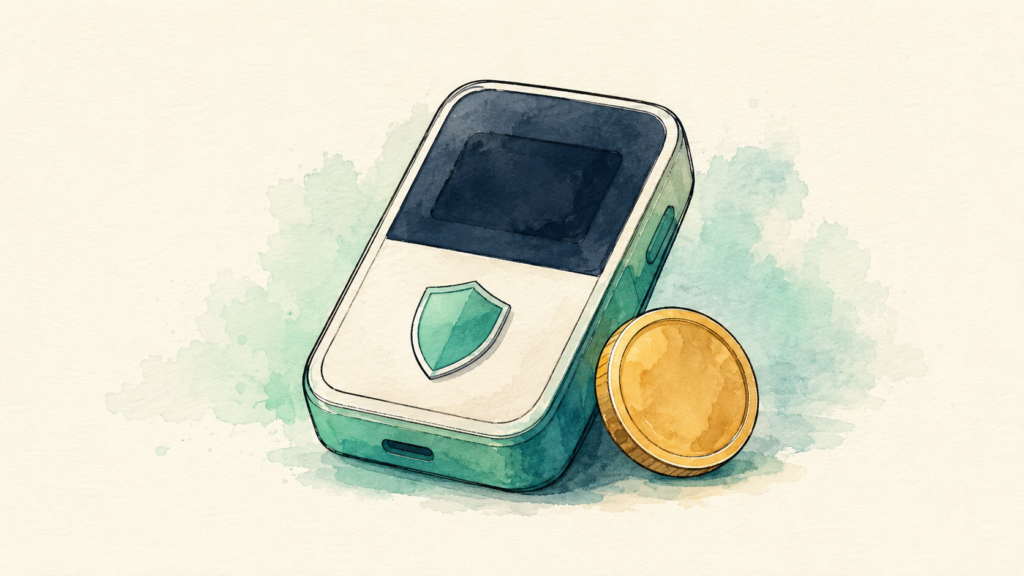
Picture the moment a friend calls to say the exchange they used just froze withdrawals. Their coins are still “there,” technically, but they can’t touch them. That sinking feeling is exactly what a hardware wallet is built to prevent. Instead of trusting a company to hold your crypto, you hold it yourself, on a small device that keeps your keys offline and out of reach of hackers.
If you’ve decided it’s time to take your coins off an app and into your own hands, the next question is which device to trust with them. The best hardware wallet for you depends on how much you hold, which coins you own, and how comfortable you are with a bit of setup. This guide walks through six solid picks for 2026, what each one does well, and who it fits, all in plain English and with no hype.
How we picked
We didn’t rank these by marketing. We looked at the things that actually protect your money and make daily use bearable: a real secure element chip, an honest track record, the breadth of coins supported, how easy the device is to set up and check, and price. Open source firmware got extra weight, because code anyone can inspect is code that gets caught when something’s wrong.
One honest note before the picks. We haven’t lab tested every device here, so we’ve written each review from public specs and the makers’ own documentation. Where a hands on verdict belongs, we’ve said so. Prices move, and they vary by region and sale, so treat every figure below as “starting around” and confirm on the maker’s site before you buy.
The best hardware wallet options at a glance
Here’s the short version before we get into the details. Every price is approximate and in US dollars.
| Device | Starting price | Screen | Best for |
|---|---|---|---|
| Ledger Nano X | around $149 | Small, buttons | Most people who want mobile use |
| Trezor Safe 5 | around $169 | Color touchscreen | Open source fans who want comfort |
| Trezor Safe 3 | around $79 | Small, two buttons | Value and a tight budget |
| BitBox02 | around $149 | Touch sensors | Beginners who want simple and Swiss made |
| Coldcard Mk4 | around $157 | Small, keypad | Bitcoin only holders who want max hardening |
| Ledger Flex | around $249 | E ink touchscreen | Active users who want a bigger, clearer screen |
The picks, reviewed
1. Ledger Nano X, best all rounder for most people
The Nano X is the device most beginners end up happy with. It pairs with your phone over Bluetooth, so you can run the Ledger Live app without hunting for a cable, and it supports thousands of coins and tokens across many networks. That combination of mobility and broad support is why it stays a default recommendation.
It uses a certified secure element, a tamper resistant chip that guards your keys even if the device is stolen. The screen is small and you navigate with two buttons, which feels a little dated next to touchscreens, but it does the job. If you want one device that handles Bitcoin, Ethereum, staking, and the odd NFT without fuss, this is the safe starting point.
Who it’s best for: most beginners and anyone who wants to manage crypto from their phone. [Matt: add your hands on verdict/screenshot here before publishing.]
2. Trezor Safe 5, best open source pick
If transparency matters to you, the Safe 5 is the one to beat. Its firmware is fully open source, which means independent researchers can and do audit it. It adds a color touchscreen with haptic feedback, so confirming an address feels far more natural than pressing tiny buttons.
Under the hood it carries an EAL6+ secure element, the same class of chip certification used in biometric passports, and it supports thousands of assets through Trezor Suite. It also offers Shamir backup, which lets advanced users split a recovery seed into multiple shares. It connects by USB C rather than Bluetooth, so it leans toward desktop use.
Who it’s best for: people who value open source firmware and a comfortable touchscreen, and who don’t mind plugging in.
3. Trezor Safe 3, best value
The Safe 3 proves you don’t need to spend a fortune to store crypto properly. At the lowest price in this roundup, it still includes a certified secure element, open source firmware, and support for thousands of coins. You give up the touchscreen and settle for a two button interface, which is a fair trade at this price.
Getting your coins off an exchange and into self custody matters far more than the brand on the box. The Safe 3 lets you do that for the cost of a nice dinner. It’s a genuinely good first hardware wallet.
Who it’s best for: first time buyers on a budget who still want real security, not a toy.
4. BitBox02, best simple Swiss made option
The BitBox02 comes from a Swiss company with a strong privacy reputation, and its whole design philosophy is “make self custody less scary.” Setup is quick, navigation uses touch sensors on the body, and the companion app holds your hand through the parts beginners usually stumble on.
It comes in two flavors. A multi coin edition handles Bitcoin, Ethereum, and other assets, while a Bitcoin only edition strips everything back for people who just hold BTC. Reducing what the device can do also reduces what can go wrong, which is a quietly smart idea.
Who it’s best for: beginners who want the gentlest learning curve, and anyone who likes the Bitcoin only option.
5. Coldcard Mk4, best for Bitcoin only holders
The Coldcard is the serious tool in this list. It’s Bitcoin only by design, built by a team with a reputation for security hardening that borders on paranoid, in the best way. It can run fully air gapped, meaning you move transactions on and off it with a microSD card and never plug it into a computer at all.
It also packs features most people will never need, like duress PINs that open a decoy wallet and dual secure elements. The flip side is a steeper learning curve and a small monochrome screen with a physical keypad. This isn’t the friendliest first device, and it isn’t trying to be.
Who it’s best for: Bitcoin focused holders who want maximum hardening and don’t mind the extra steps.
6. Ledger Flex, best bigger screen
The Flex sits above the Nano line and below Ledger’s premium Stax. Its draw is a roomy E ink touchscreen that makes checking an address or approving a transaction genuinely easy, which is exactly where costly mistakes tend to happen. It covers the features active users reach for, including sending, swapping, staking, NFT handling, and connecting to supported apps.
It relies on USB C for power rather than wireless charging, and the battery is rated for a solid stretch of everyday use. If you interact with your crypto often and want a clearer window into what you’re signing, the bigger screen earns its keep.
Who it’s best for: active self custody users who want a larger, easier to read display.
How a hardware wallet keeps you safe
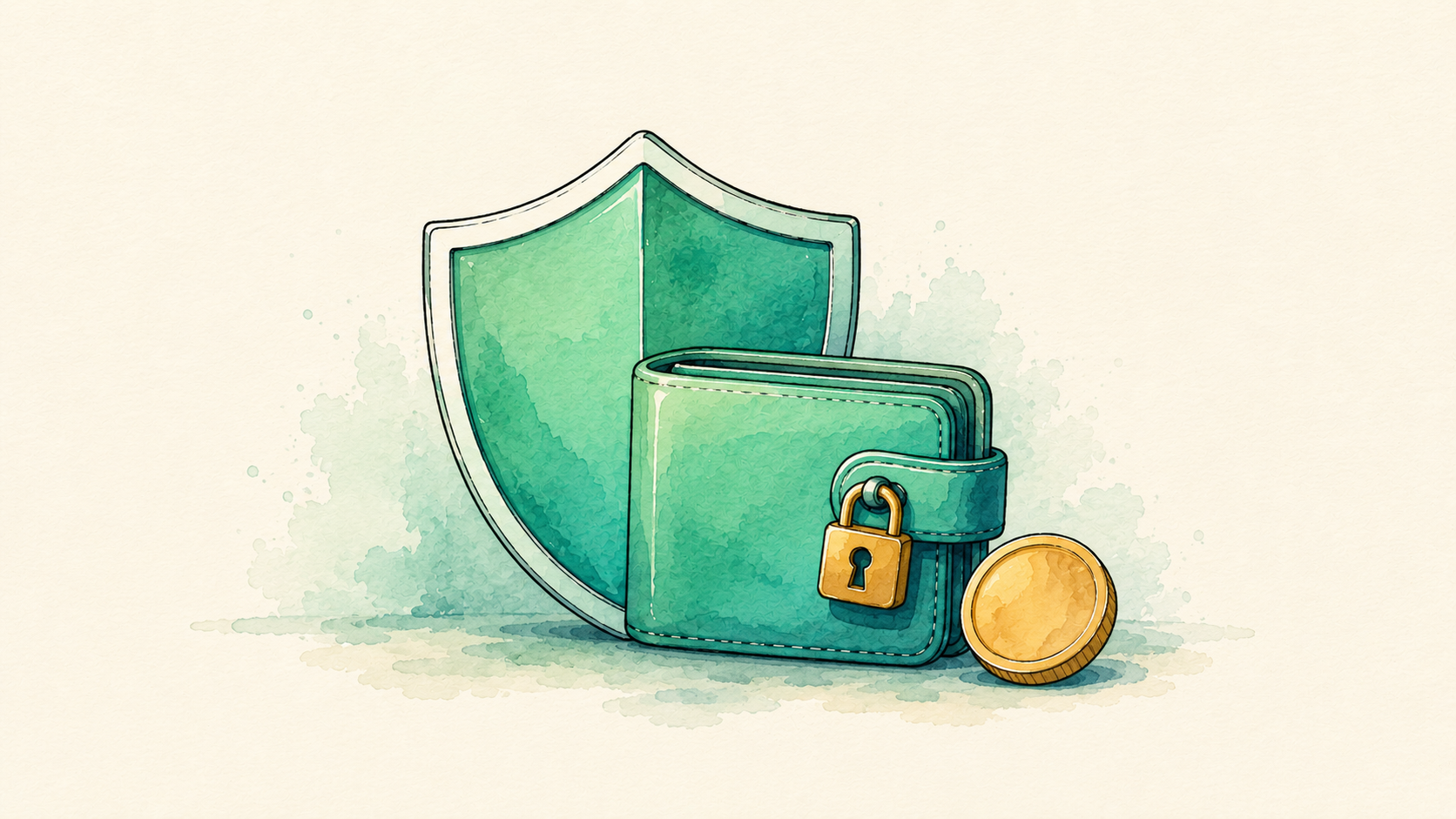
The core idea is simple. Your private keys, the secret that controls your coins, never leave the device. When you want to send crypto, the transaction is prepared on your computer or phone, then passed to the wallet, which signs it internally and hands back only the signature. The keys stay sealed inside the whole time.
That’s why a hardware wallet protects you even on a virus riddled laptop. Malware can see the transaction, but it can’t pull the keys out of the chip. A good secure element adds another layer, resisting physical attacks if someone gets their hands on the device.
None of that helps, though, if you mishandle the recovery phrase. When you set up any wallet here, it shows you a list of words that can restore your funds on a new device. Anyone who sees that phrase can drain your wallet, and no one can recover it for you if you lose it. If you’re new to this, our guide to what a seed phrase is and how to protect it is worth reading before you buy.
How to set one up safely
Every device in this list follows the same basic path, and the order matters. Rushing this part is where people get hurt.
- Buy direct from the maker or an authorized reseller, never from a random marketplace listing. A tampered device is a real risk.
- Check the packaging and let the device generate a brand new recovery phrase. If a wallet arrives with a phrase already printed, stop and don’t use it.
- Write the recovery words on paper or steel, by hand. Never photograph them, never type them into a phone, and never store them in the cloud.
- Set a PIN, then send a tiny test amount first. Confirm you can receive and send before you move anything meaningful.
Do those four things and you’ve dodged the mistakes that catch most newcomers. For a fuller walkthrough, see our Guides and our roundup of the best crypto apps for beginners for where to buy in the first place.
How to choose the right one for you
Choosing the best hardware wallet comes down to a few honest questions rather than chasing the flashiest device. Start with what you hold. If you own only Bitcoin, a Coldcard or a Bitcoin only BitBox keeps things clean and hardened. If you hold a mix of coins, a Ledger Nano X or a Trezor Safe 5 covers far more ground.
Then think about how you’ll use it. Want to manage coins from your phone? Bluetooth on the Nano X or Flex helps. Prefer to plug into a desktop and value open source above all? A Trezor fits. On a tight budget? The Trezor Safe 3 gives you real security for the least money.
Whatever you pick, remember the device is only half the job. How you store your recovery phrase matters more than which brand you choose. A cheap wallet with a well protected seed beats an expensive one with the words sitting in your email.
Key takeaways
- A hardware wallet keeps your private keys offline, so your crypto stays safe even on an infected computer.
- The Ledger Nano X is the easy all rounder, the Trezor Safe 5 leads on open source, and the Trezor Safe 3 is the value pick.
- BitBox02 is the gentlest for beginners, while the Coldcard Mk4 suits Bitcoin only holders who want maximum hardening.
- Prices shift often, so confirm the current figure on the maker’s site before buying.
- Your recovery phrase is the real key. Protect it, and never store it online or in a photo.
Frequently asked questions
Do I really need a hardware wallet?
If you hold more crypto than you’d be comfortable losing to a hack or a frozen exchange, a hardware wallet is one of the best safety upgrades you can make. For very small amounts you’re actively trading, a reputable app may be fine. The more you hold, the stronger the case for self custody.
What’s the cheapest hardware wallet worth buying?
The Trezor Safe 3, at around $79, is the most affordable pick here that still includes a certified secure element and open source firmware. It skips the touchscreen, but it protects your coins just as seriously as pricier models.
Is Ledger or Trezor safer?
Both are well established and both use secure element chips. Trezor wins on transparency thanks to fully open source firmware, while Ledger offers broader coin support, mobile use, and features like staking and NFTs. Neither is clearly “safer” for everyone, so the best hardware wallet is simply the one that matches the coins you hold and how you like to work.
What happens if I lose my hardware wallet?
Your coins aren’t gone. As long as you have your recovery phrase, you can restore your funds onto a new device from the same maker or a compatible wallet. That’s exactly why the phrase matters so much, and why losing it is far worse than losing the device.
Can a hardware wallet be hacked?
No system is perfect, but a hardware wallet dramatically raises the bar. The keys stay inside the secure chip, so remote attacks are extremely difficult. Most real losses trace back to a leaked recovery phrase or a fake device, not the wallet’s chip being cracked.
This article is general information, not financial, investment, or tax advice. Crypto is volatile and self custody puts full responsibility on you, so only risk what you can afford to lose. Prices and product details were verified on the publish date and can change, so confirm current figures on each maker’s official site before buying.